CMS for Your Business?
When building a professional website, one of the most critical decisions you'll make is choosing the right Content Management System (CMS). The CMS you select can impact your website’s performance, scalability, SEO, design flexibility, and even your day-to-day operations. With so many CMS options available—like WordPress, Shopify, Webflow, Wix, Joomla, Magento, Drupal, and others—it can be overwhelming to choose the best one for your business.
In this blog, we will break down what a CMS is, why it matters, and how to choose the right CMS for your specific needs.
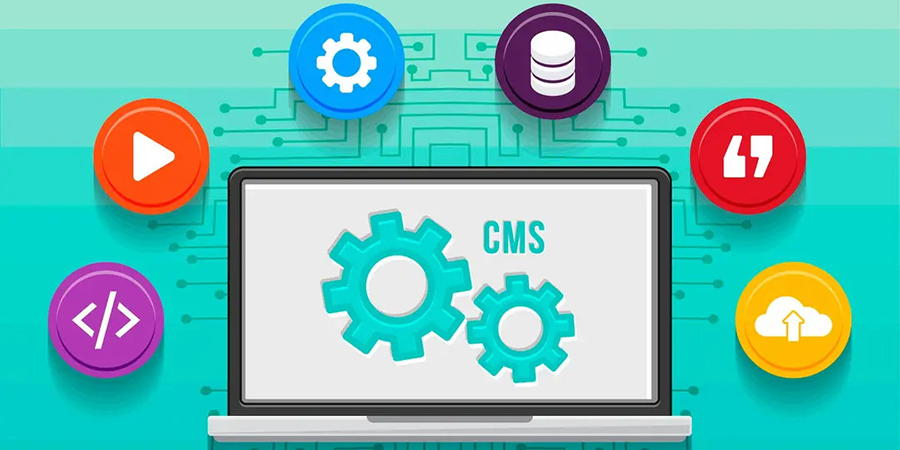
What Is a CMS?
A Content Management System (CMS) is a software platform that allows you to create, manage, and modify digital content on a website without needing to write code from scratch. Think of it as the "backend" of your website—the place where you log in, upload content, publish blog posts, update pages, and manage design elements.
Why Choosing the Right CMS Matters?
- The CMS you choose affects:
- Website speed and performance
- Security and data protection
- SEO capabilities
- User experience and design flexibility
- Integration with third-party tools
- Cost of setup and maintenance
- Ease of scaling as your business grows
Key Factors to Consider When Choosing a CMS
1. Your Business Goals
- Are you building:
- A blog or content-driven site?
- An e-commerce store?
- A portfolio or personal brand?
- A corporate or service-based site? Your end goal determines which CMS features are essential.
Example: Shopify is excellent for e-commerce, while WordPress is ideal for content-heavy sites.
2. Ease of Use
Do you or your team have technical experience? Some CMS platforms are beginner-friendly, while others require developer skills.
| CMS | Ease of Use | Tech Skill Needed |
|---|---|---|
| WordPress | Moderate | Low to Medium |
| Wix | Easy | None |
| Webflow | Moderate | Medium |
| Shopify | Easy | None |
| Drupal | Hard | High |
| Joomla | Moderate | Medium |
An optimized site is the difference between a bounce and a sale.
3. Scalability
Choose a CMS that can grow with your business. If you are planning to expand your site with more pages, features, or traffic, make sure the platform can handle that.
Tip: WordPress and Drupal are highly scalable for larger projects.
4. Security
Look for a CMS with strong security features, regular updates, and community or developer support. E-commerce sites must ensure PCI compliance and customer data protection.
5. Budget
- Different CMS platforms come with different costs:
- Open-source CMS like WordPress or Joomla are free but require hosting and possible plugin/theme purchases.
- Hosted CMS like Wix or Shopify include hosting but charge monthly fees.
6. SEO Features
- Different CMS platforms come with different costs:
- Customizable meta tags
- Clean URLs
- Image optimization
- Fast loading speed
- Mobile responsiveness
Top SEO-friendly CMSs: WordPress, Webflow, Shopify (with apps), and Joomla.
7. Integration & Plugins
- Make sure your CMS supports integration with:
- Email marketing tools (Mailchimp, ConvertKit)
- CRMs (HubSpot, Salesforce)
- Payment gateways (PayPal, Stripe)
- Analytics tools (Google Analytics, Hotjar)
WordPress has 55,000+ plugins, making it the most customizable.
There is no one-size-fits-all answer. The best CMS depends on your business goals, budget, technical skills, and future growth plans.